What should you monitor on the internet?
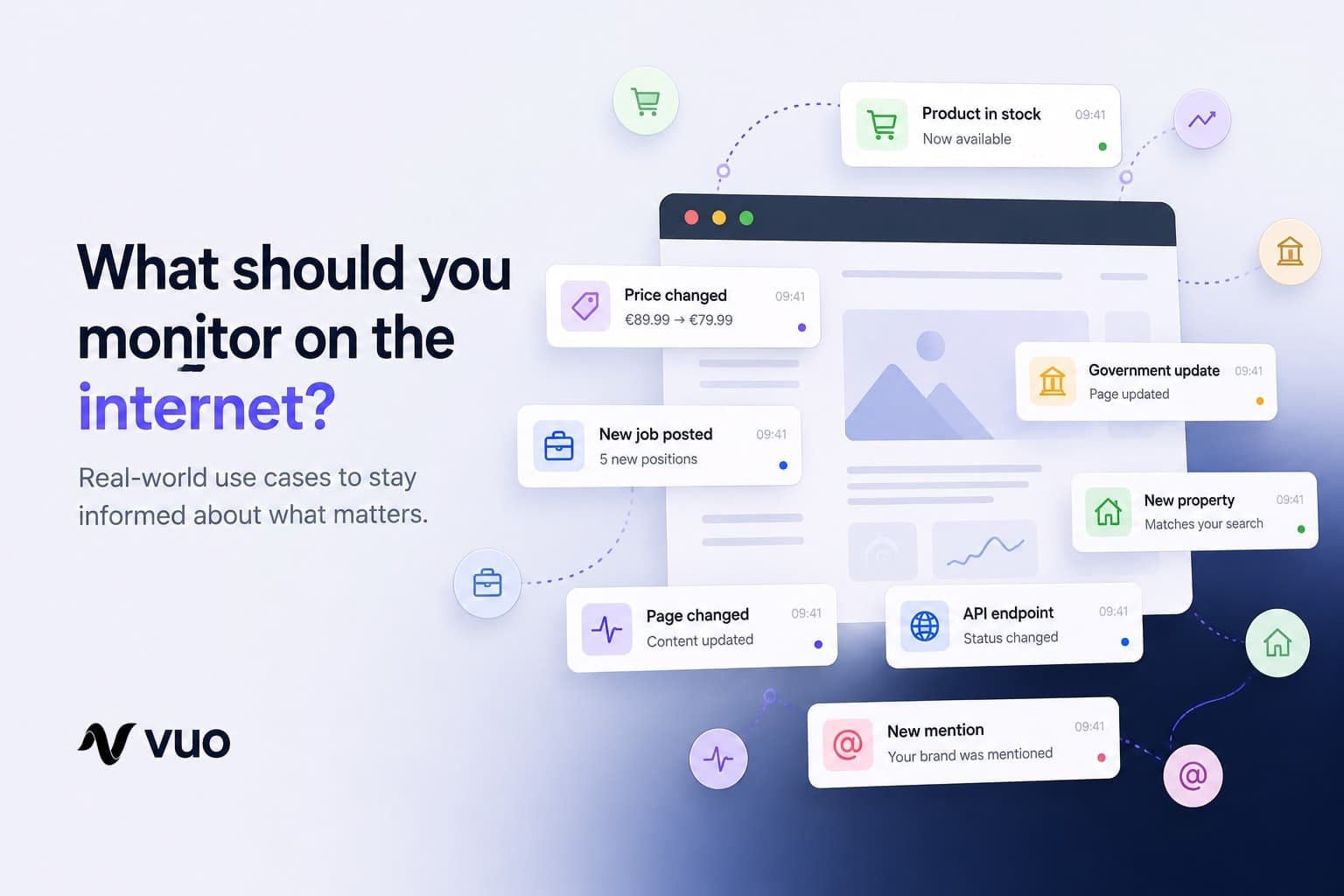
A practical guide to what's actually worth monitoring online, from restocks and competitor prices to jobs and government updates.

The Vuo Team
What should you monitor on the internet?
You bookmark the page. You tell yourself you'll check back tomorrow. Then tomorrow becomes next week, and by the time you remember, the product is gone, the price has changed, or the deadline has passed.
Most of the internet was never built with a "notify me" button. Prices update, listings disappear, job postings go live, and government pages quietly change their wording. Unless you happen to be looking at exactly the right moment, you may never know.
Web monitoring means automatically checking a website, page, document, or data source for changes and notifying you when something relevant happens.
Instead of checking pages yourself, you point a monitor at them and let it do the checking for you.
What makes something worth monitoring?
The best things to monitor usually have three things in common:
- They change over time.
- You care about the change.
- You don't know exactly when it will happen.
If all three are true, repeatedly checking the source yourself is usually the wrong workflow.
Here are some of the situations where monitoring makes the biggest difference.
1. Products coming back in stock
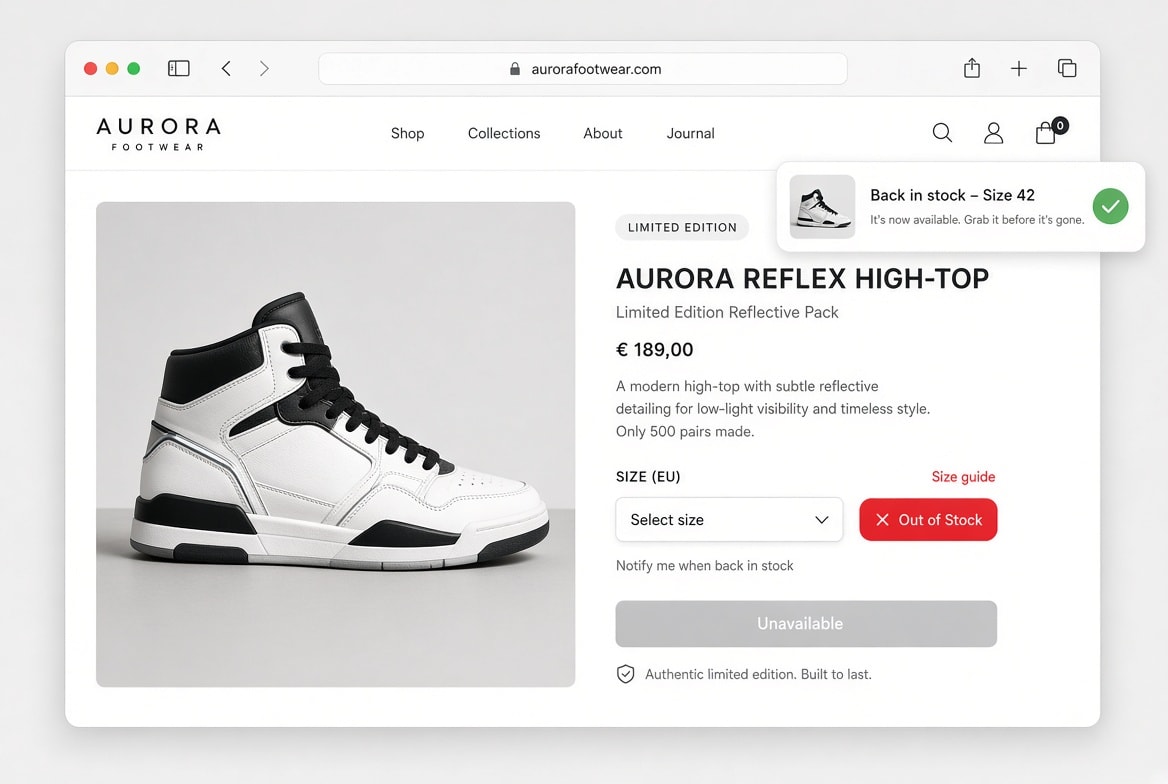
You've found exactly what you want: the right size, the right color, the right price. And it's out of stock.
Refreshing the page every morning is one option. Setting a monitor on it is a better one. It watches the page in the background and notifies you when availability changes.
This is especially useful for things that restock unpredictably rather than on a schedule:
- Hard-to-find electronics and limited-edition releases
- Furniture and appliances with long lead times
- Collectibles and sneakers
- Event tickets
- Anything a retailer restocks in small, unannounced batches
You stop guessing when to look, because you don't need to look at all.
2. Competitor prices
If you sell anything online, competitor prices are a moving target. Checking them manually doesn't scale past a handful of products, and by the time you notice a change, you may already be behind.
Worth watching:
- A competitor's price on a specific product
- Subscription or plan pricing
- Shipping thresholds and fees
- Time-limited discounts and promo codes
- Entire pricing pages, in case the structure itself changes
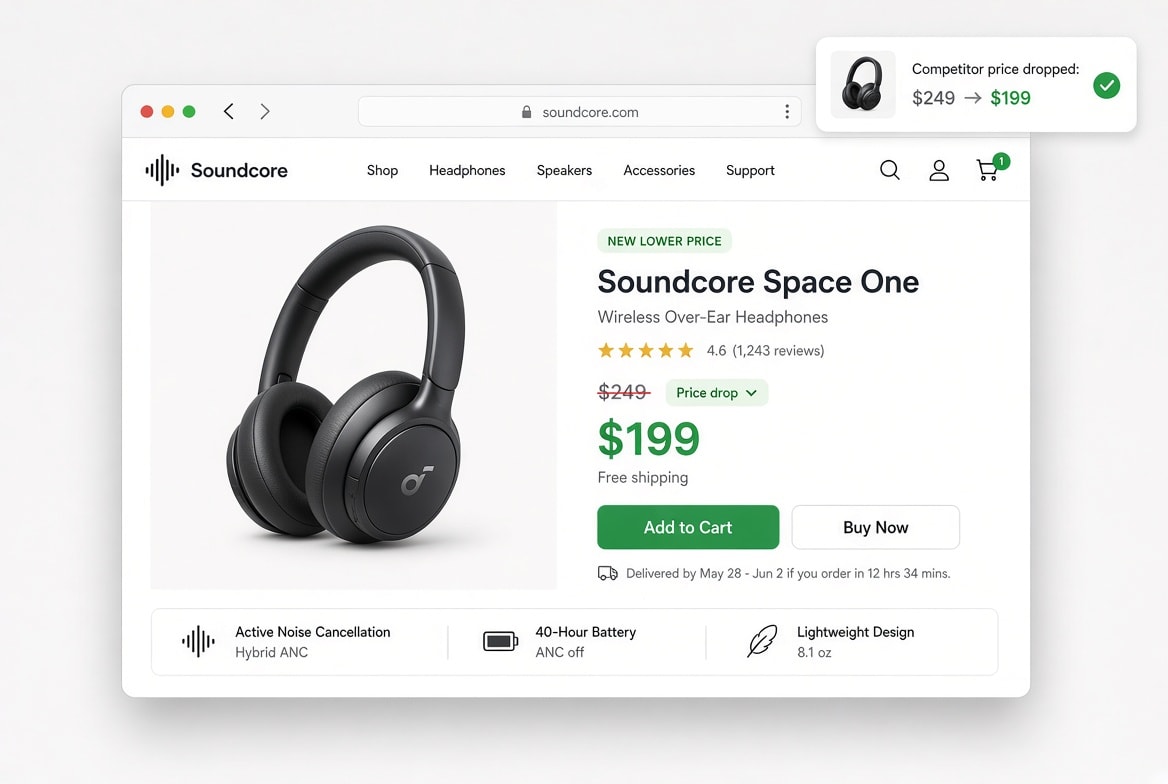
The question shifts from "Did they change something?" to "What changed?", and the answer comes to you.
3. New job postings at a company
A careers page is one of the more useful signals a company gives off. A sudden wave of engineering roles might mean a product push is coming. Hiring for a first role in a new country could signal expansion. And a listing that sits open for months before quietly disappearing tells its own story too.
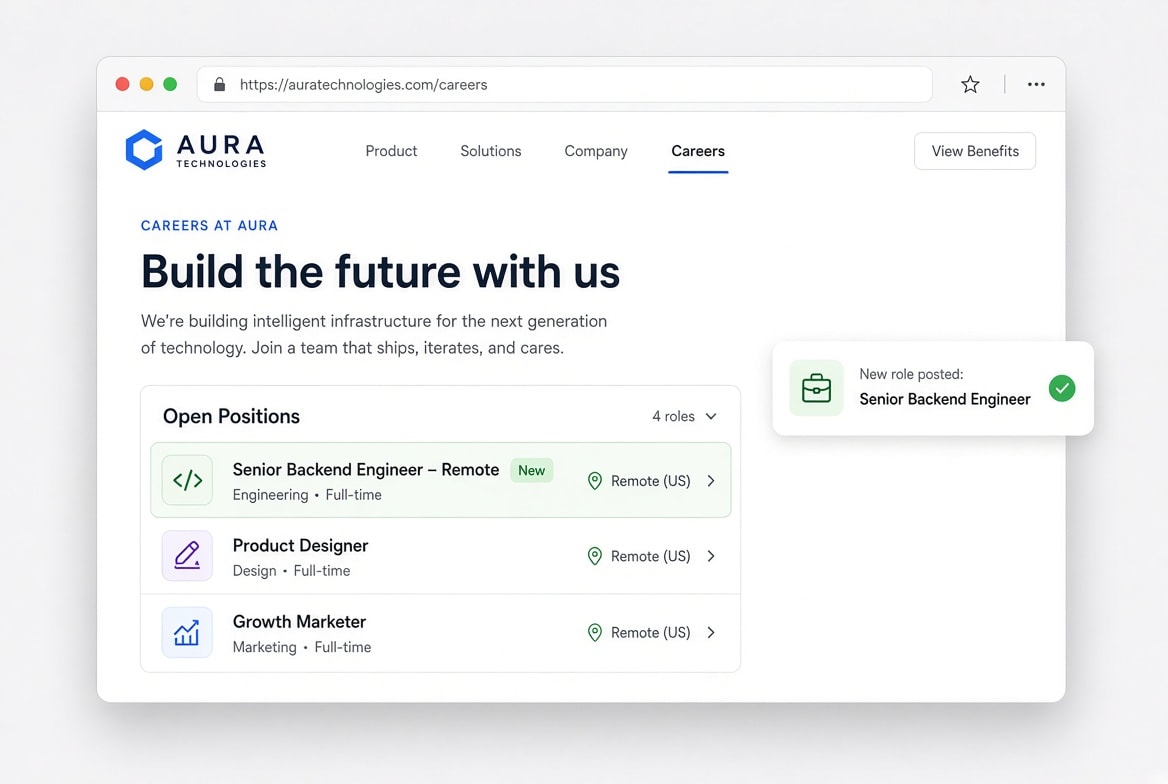
Monitoring a careers page is useful whether you're:
- Job hunting and want to spot new listings early
- Tracking a company you're considering investing in or partnering with
- Sourcing candidates as a recruiter
- Researching a competitor's hiring patterns
You get the signal without having to keep revisiting the careers page.
4. Government and regulatory pages
Public-sector information has a habit of changing without much fanfare.
A tender gets updated, a form gets revised, or a regulation picks up a new clause buried in the fine print. Sometimes the only trace is a small edit on a page you'd have no reason to revisit.
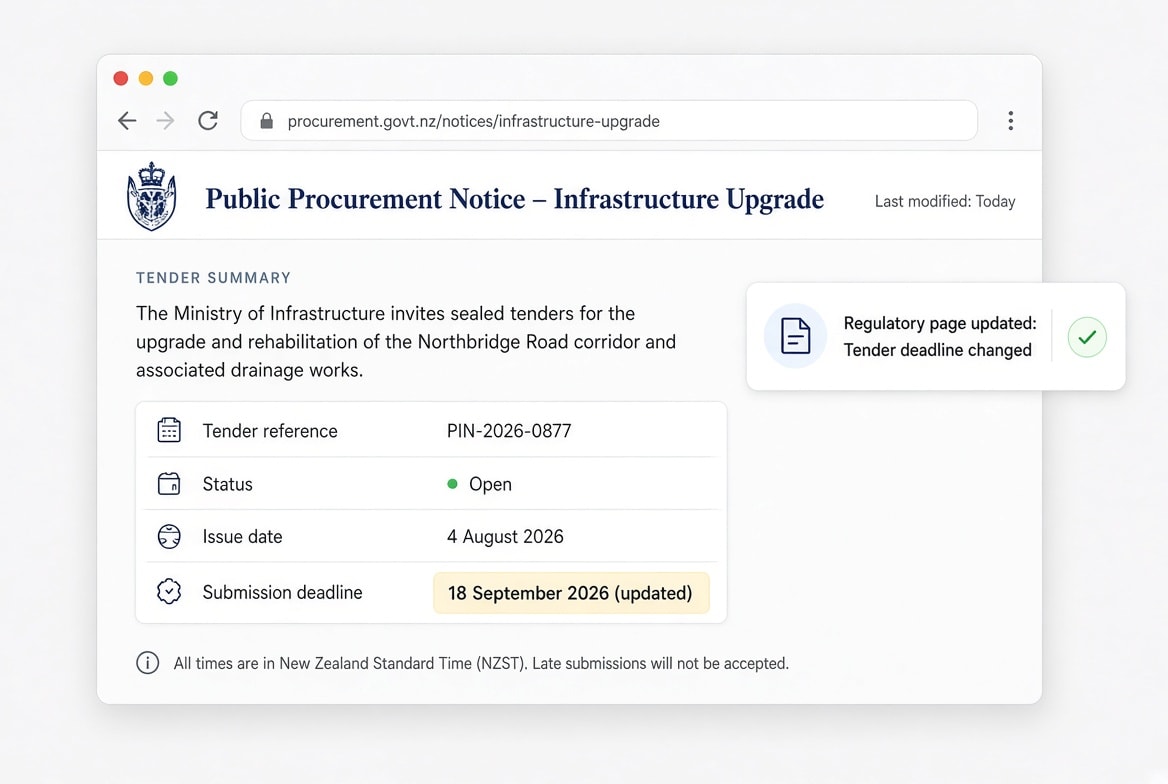
Common candidates include:
- Regulatory or compliance pages relevant to your industry
- Public tenders and procurement listings
- Permit and application status pages
- Tax or administrative guidance
- Public notices and consultations
Here, the change itself is usually the news. There may be no press release to tell you it happened.
5. Property listings
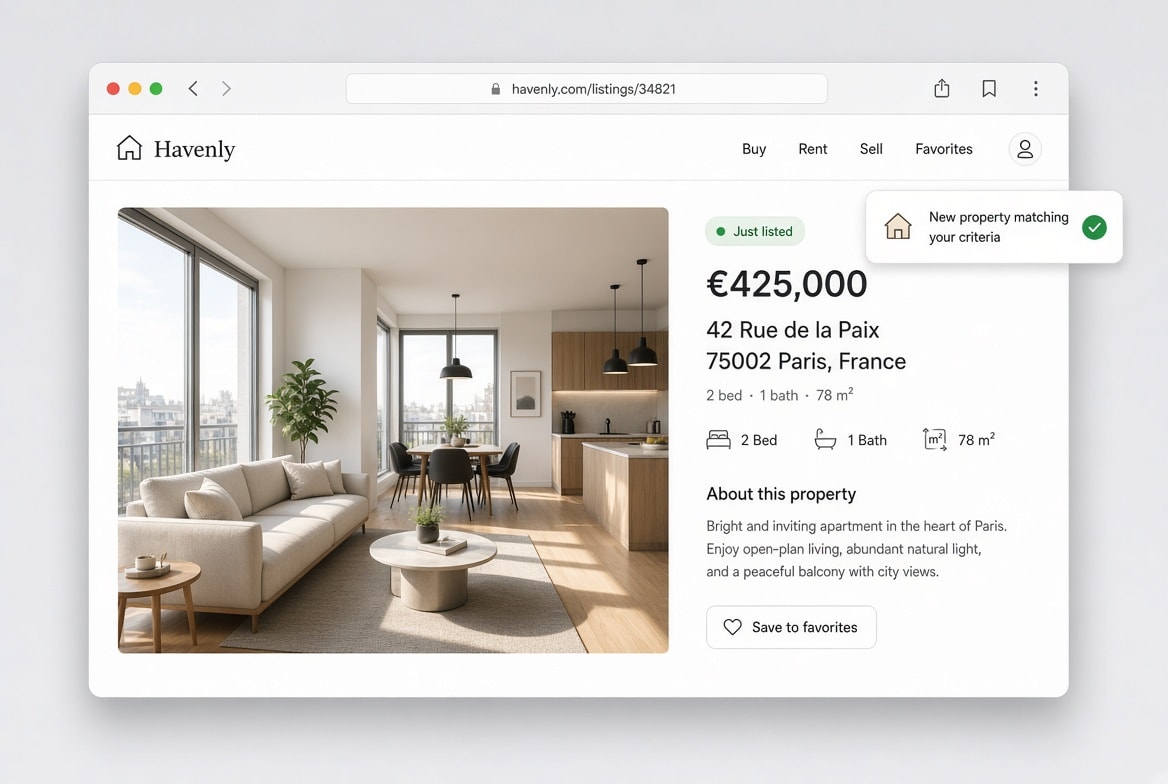
In a competitive market, good listings don't last. The difference between seeing a property shortly after it appears and discovering it several days later can be significant.
Things worth watching include:
- New properties matching your criteria
- Price drops
- Listings being removed
- Changes to descriptions or photos
- A property becoming available again after being under offer
Property monitoring is particularly useful when your requirements are specific enough that suitable listings don't appear every day.
6. Changes to a webpage
Sometimes you don't know in advance what will change. You just need to know that something did.
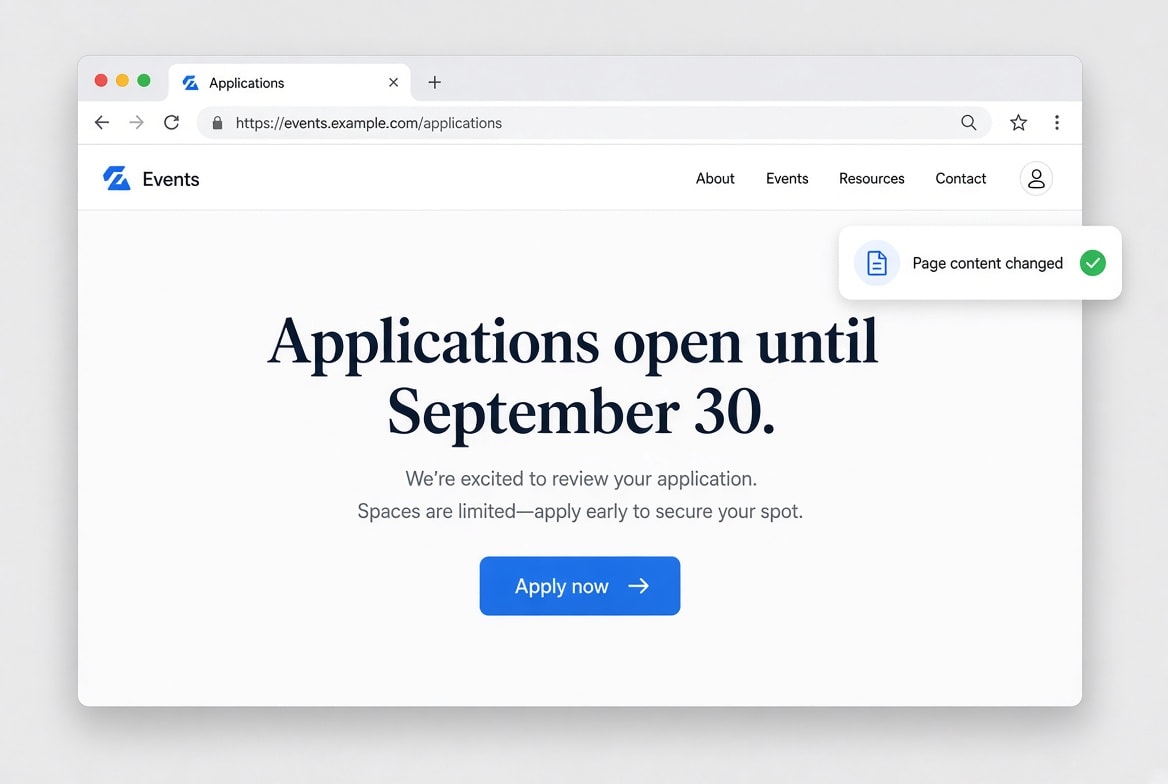
Take a page that says:
"Applications open until September 30."
That sentence is the whole point of the page. If it changes, you want to know immediately, without having to predict what the new wording will be.
This applies broadly:
- Documentation and changelogs
- Announcements and FAQs
- Event pages
- Terms, policies, and legal pages
- Product and pricing pages
- Company information
- Public notices
You don't need to reverse-engineer how a site will change. You can simply watch it and let the difference tell you what happened.
7. Documents and PDFs
Some of the most important information on the internet isn't contained in a normal webpage.
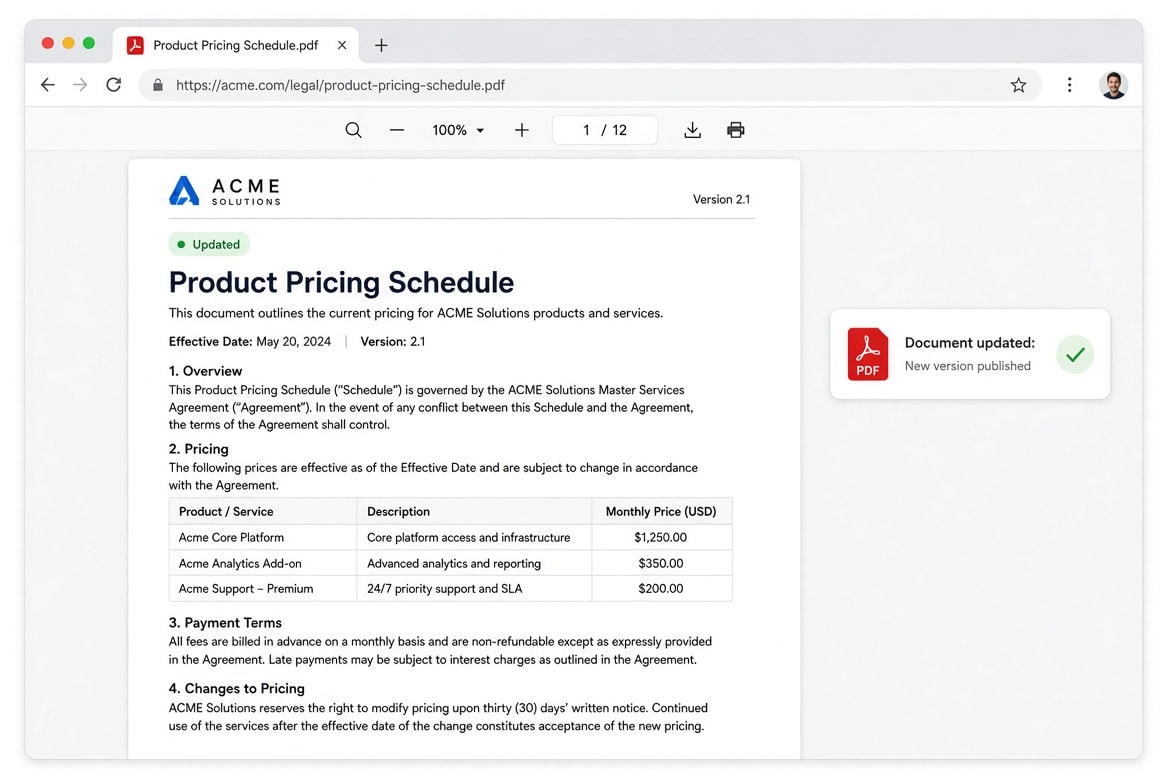
Companies, governments, universities, and other organizations regularly publish documents that get replaced or updated without much visibility.
Useful things to monitor include:
- Terms and conditions
- Regulatory documents
- Price lists
- Product documentation
- Public reports
- Application forms
- Investor or company documents
- Policies and guidelines
A revised PDF might contain an important change, but unless someone tells you about it, you may never notice that a new version was published.
Monitoring turns that passive document into something that can actively notify you when it changes.
8. Events and availability
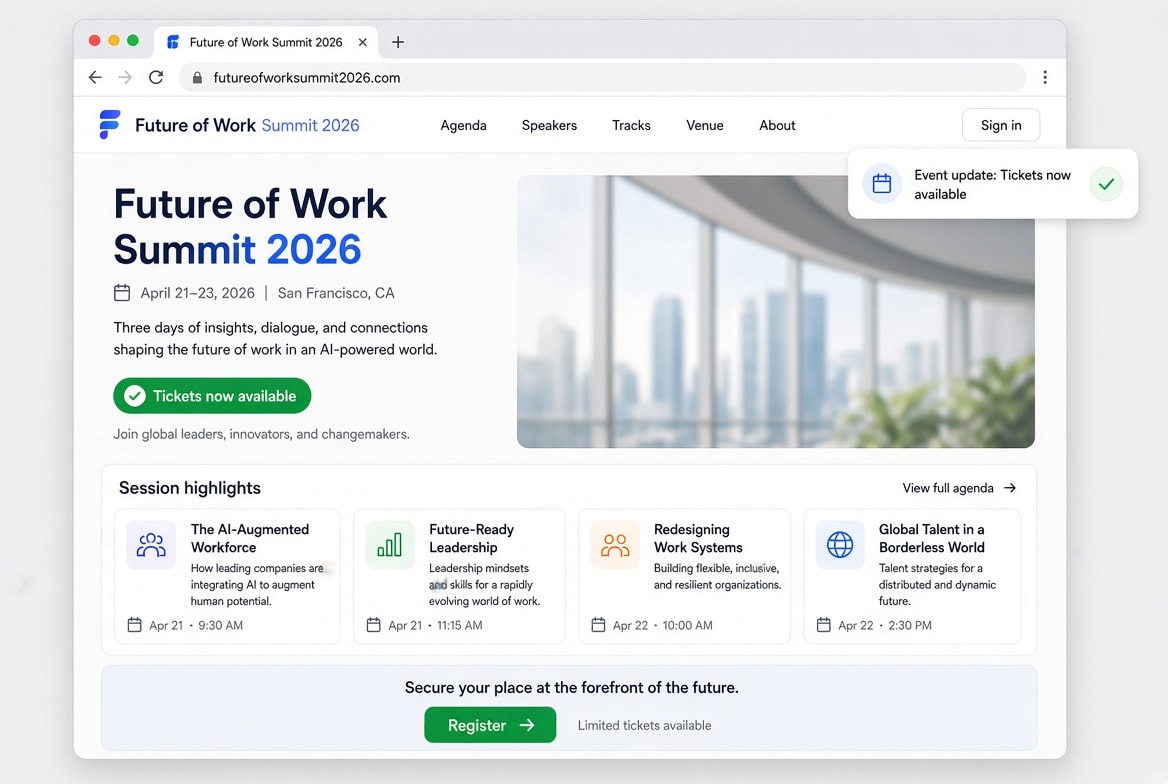
Events are another natural fit for monitoring because availability often changes without warning.
You might want to know when:
- Tickets become available
- Registration opens
- An event date changes
- A sold-out event gets additional capacity
- New speakers or sessions are announced
- Applications open for a conference or program
Instead of repeatedly checking an event page, you can wait for the event page to tell you that something happened.
9. APIs and structured endpoints
Not everything worth monitoring is a page a human reads.
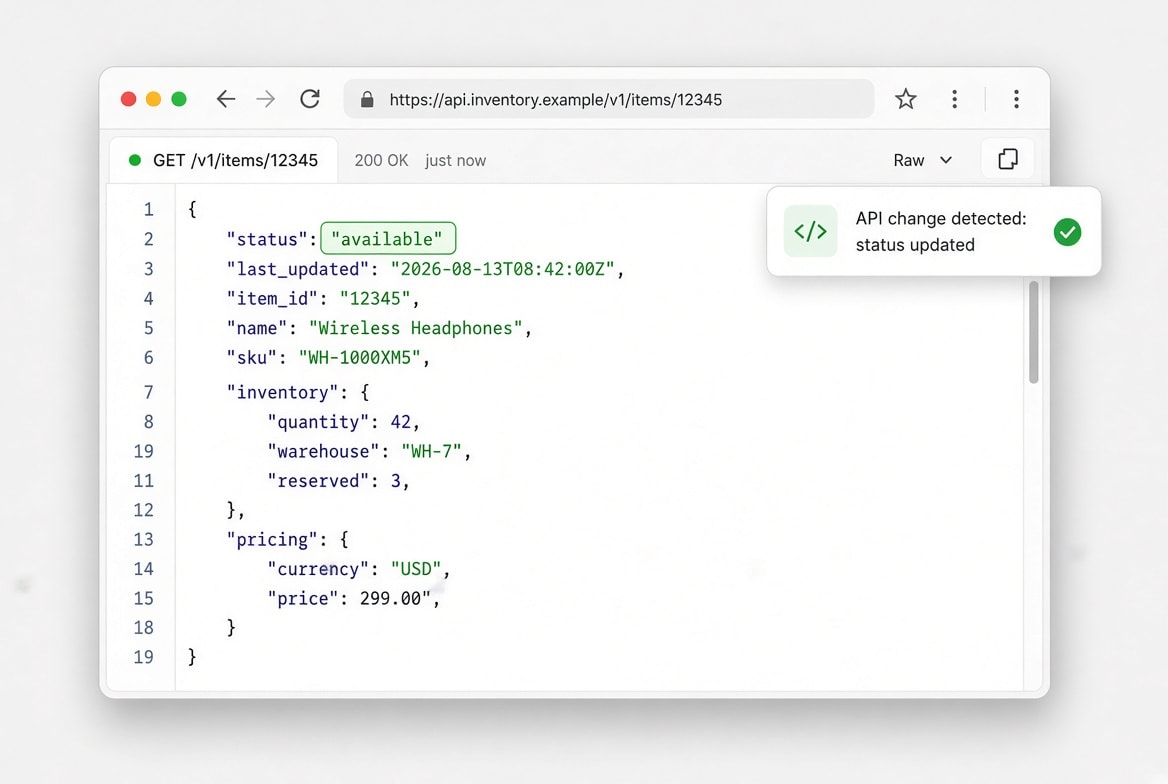
Plenty of useful signals live in APIs, feeds, and other structured endpoints. These can be particularly good monitoring targets because the data is often clean and consistent.
Examples worth watching:
- A status field changing from one value to another
- A number crossing a threshold you care about
- A service or endpoint becoming available
- An API response changing
- New records appearing in a feed
An endpoint that you'd otherwise have to poll manually becomes an active notification system.
Instead of repeatedly asking an API "Has anything changed?", you let the monitoring system do the asking and tell you when the answer becomes relevant.
10. Mentions of your company or product
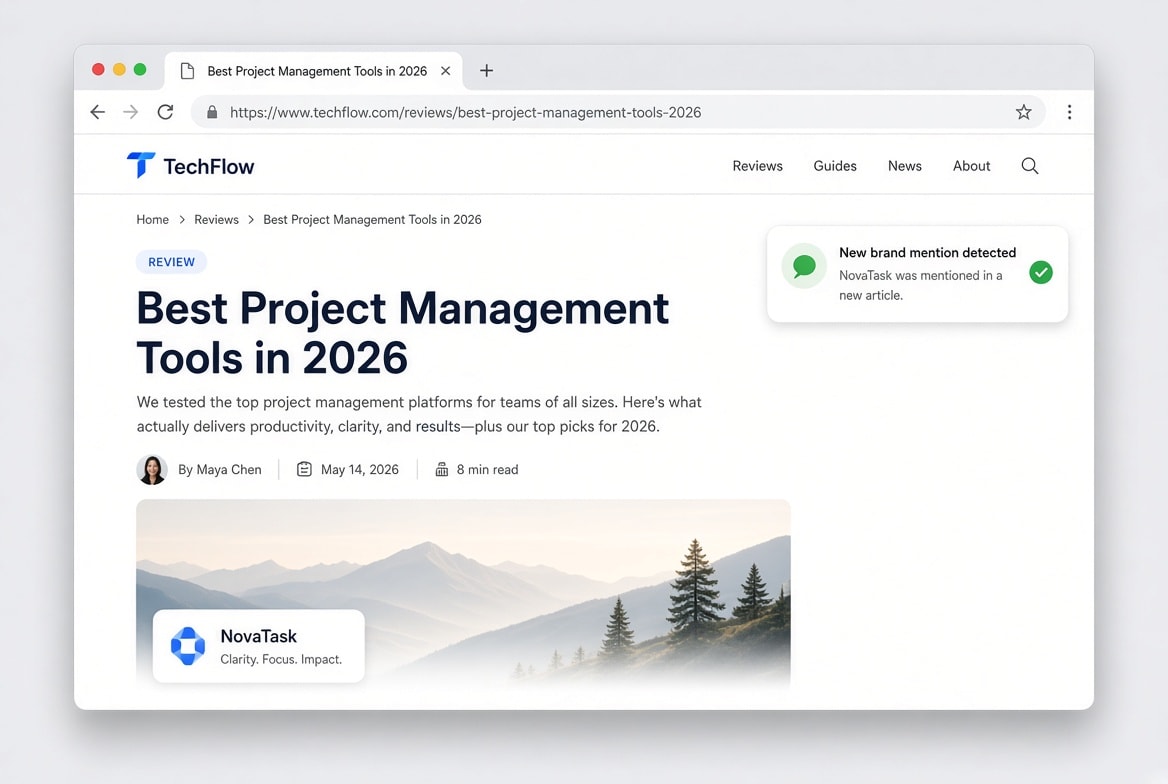
Beyond your own website, there's the version of your company that exists in other people's writing: reviews, news articles, comparison posts, forums, and other websites.
Worth tracking:
- News and press mentions
- Product reviews
- New pages mentioning your brand
- Competitors mentioning you directly
- New backlinks or citations
- Articles comparing your product with competitors
You're not doing this for the ego boost. A bad review, a factual error, or a genuine opportunity is much more useful to catch while it's still fresh enough to act on.
11. Competitor websites
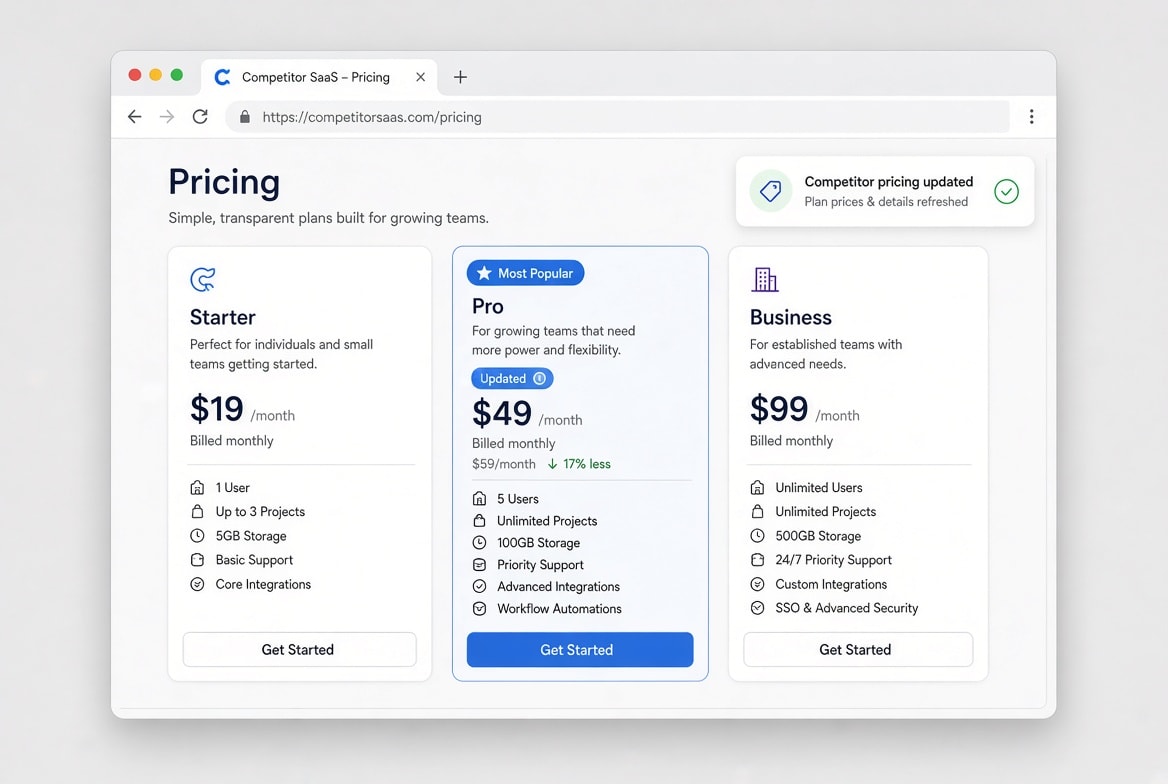
Pricing is the obvious thing to watch, but it's rarely the only interesting signal.
A competitor's changelog, feature pages, documentation, and blog posts can reveal what they're building before it shows up in a press release.
Worth keeping an eye on:
- Product and feature pages
- Documentation and changelogs
- New blog posts
- About and careers pages
- Pricing and plan pages
No single change usually means much on its own. It's the pattern over months that can tell you where a competitor is heading.
12. Anything you keep meaning to check
This is the catch-all, and it's arguably the most useful category of all.
The best monitoring candidates aren't necessarily the most important websites. They're the websites you repeatedly return to because you're waiting for something to happen.
If you've ever caught yourself thinking:
"I should check that page again tomorrow."
That thought is the signal.
It could be almost anything: a product, a company, a listing, a government form, a job board, an API, a document, a price, or a status page.
If it's on the internet, it changes, and you care about the change, there's a good chance it can be monitored.
The real shift: from checking to being told
Without monitoring, the loop looks like this:
- Remember that you care about something.
- Go find the relevant page.
- Check whether anything changed.
- Find nothing has changed.
- Forget about it for a while.
- Eventually remember again.
With monitoring, it looks like this:
- Tell the monitor what to watch, once.
- It checks on your behalf.
- You get notified when something relevant actually happens.
The time saved on any single check is trivial.
The bigger benefit is that you no longer have to remember to check in the first place.
You move from checking for information to being notified about information.
So, what should you monitor?
A simple test:
If you find yourself checking a page because you're waiting for something to change, that's a page worth monitoring instead.
You don't need to know exactly when the change will happen. You don't need to remember to look. And you don't need to build your own scraper or script just to find out that something moved.
The internet changes constantly, whether or not anyone's watching.
The only real question is whether you find out when it matters to you, or three weeks late.
Vuo monitors the web for you and notifies you when something you care about changes.